





iOS Download Guide
01Step
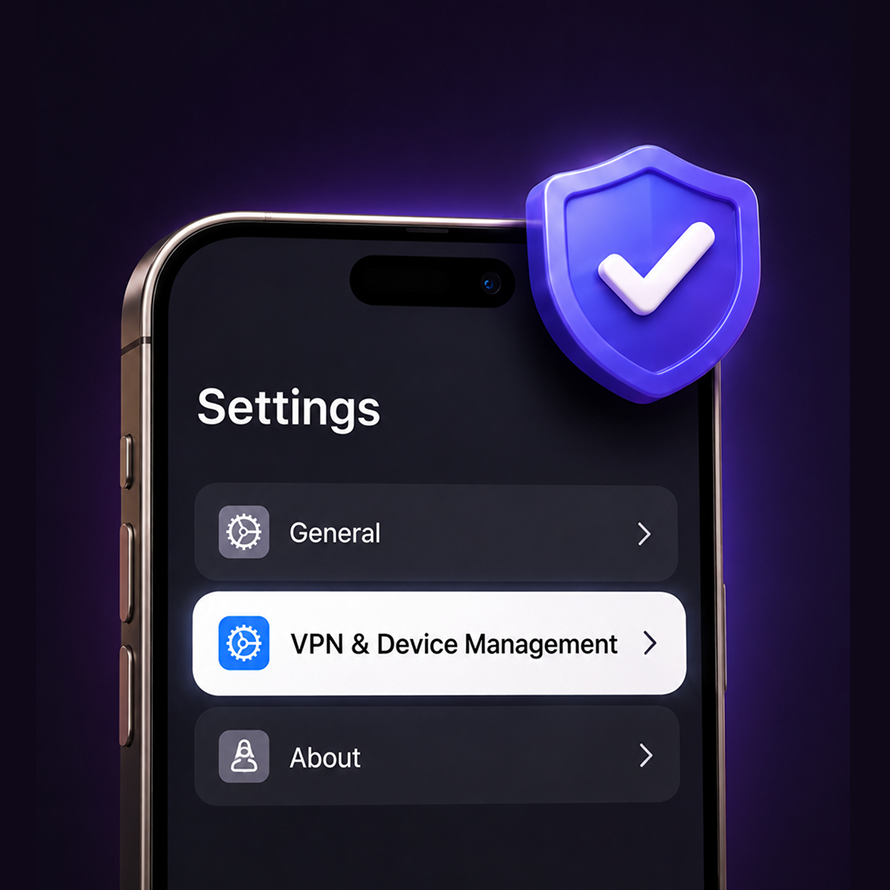
Open Device Management
Go to Settings → General → VPN & Device Management to find the enterprise profile.
02Step
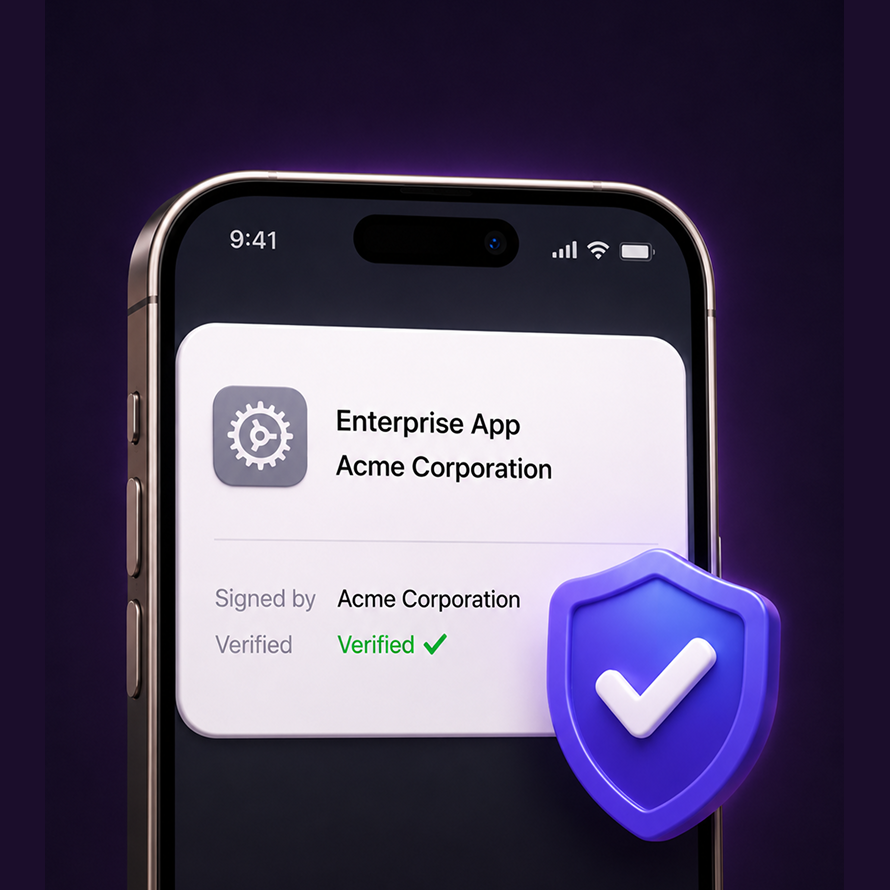
Trust the profile
Tap the enterprise-level application profile listed under the developer name.
03Step
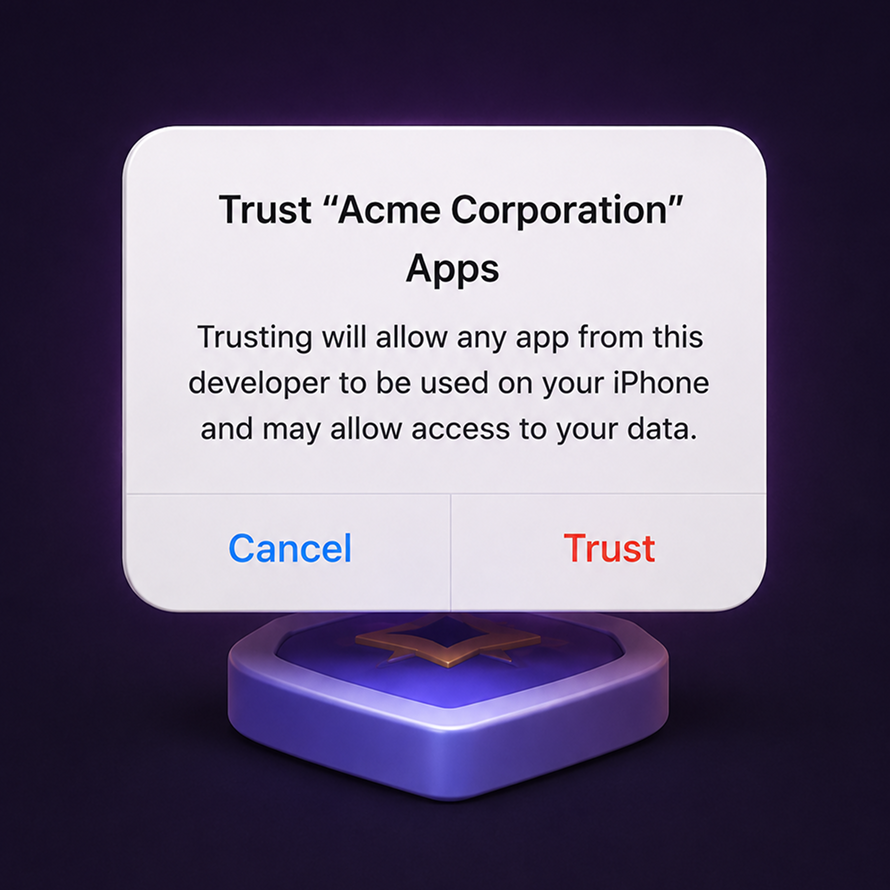
Confirm the developer
Tap "Trust" on the developer prompt to authorize the app.
04Step

Start playing
The app is now trusted — open it, log in, and claim your rewards.